Fella vs ScreenZen

Fella vs ScreenZen:
simple rules or total control?

ScreenZen is a free, highly customizable screen-time toolkit. Fella is a narrower iPhone blocker: selected apps stay blocked, with one 5-minute unlock per session. The better choice depends on whether you want to tune your limits or stop making daily decisions.

Fella and ScreenZen both put friction between you and distracting apps, but they solve the problem from opposite directions. ScreenZen gives you a toolbox: delays before opening, short access windows, daily limits, schedules, open-count goals, strict blocks, and usage tracking. You can shape different rules for different apps and change those rules as your habits change.

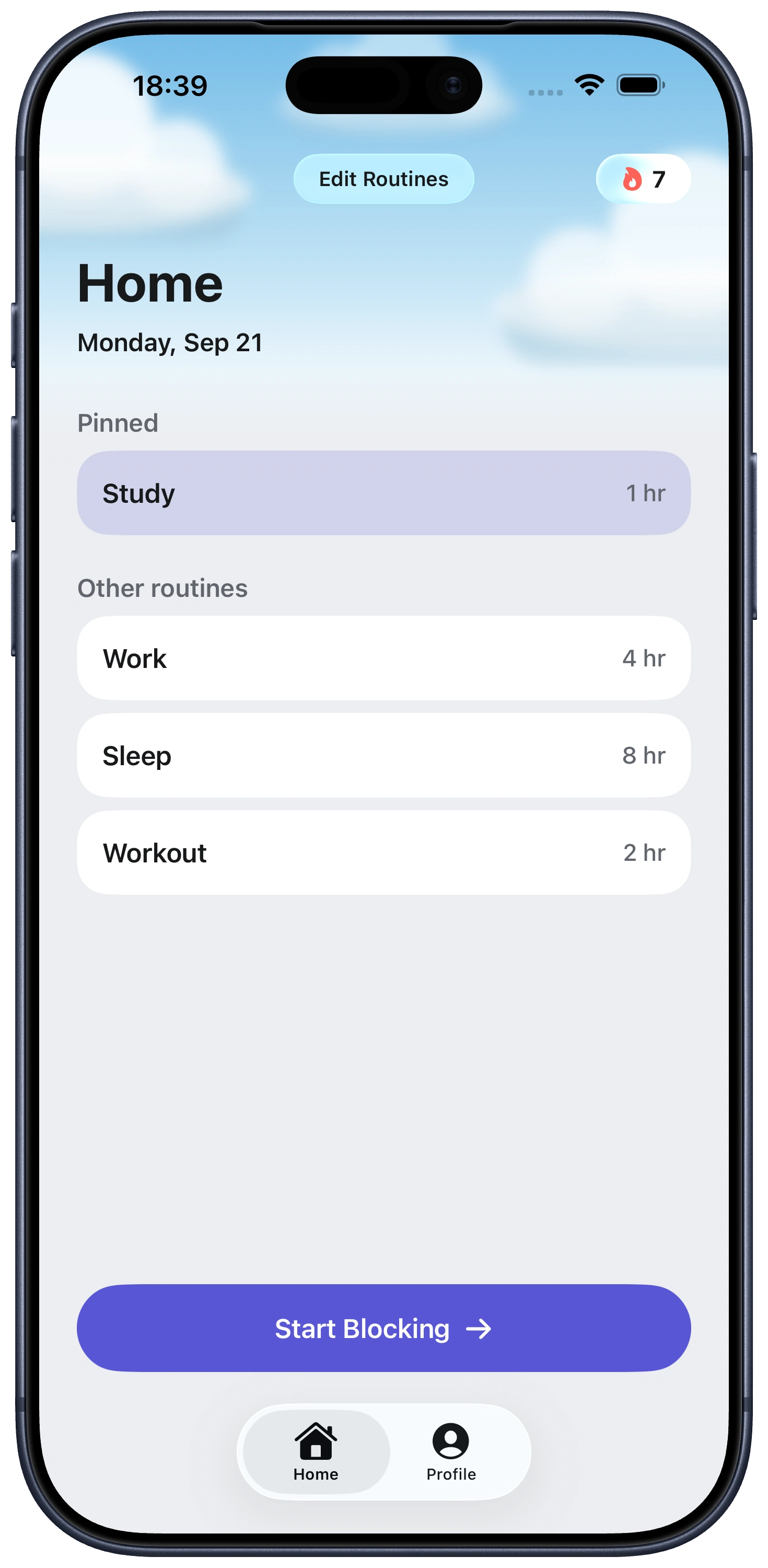
Fella removes most of that configuration. You select the iPhone apps that repeatedly steal your attention, and they remain blocked all day. One 5-minute emergency unlock per session provides controlled access. When it ends, Fella locks the apps again automatically.

The practical choice is flexibility versus certainty. ScreenZen is better when you want a free tool and precise control over when and how apps open. Fella is better when customization has become another loophole and you want one rule that is already active.

At a glanceFellaScreenZen
Core approachAll-day selected-app blockingCustom delays, limits, schedules, and blocks
Emergency accessOne 5-minute unlock per blocking sessionConfigurable access windows and opening rules
SchedulesNoYes
Usage trackingNot a core featureYes, for selected distracting apps
PlatformsiPhoneiPhone, iPad, Mac, Windows, and Android
Price3-day trial; $9.99 monthly or $34.99 yearlyFree and donation-supported

How the blocking philosophies differ

ScreenZen tries to make app use more intentional without requiring complete removal. A delay can ask you to wait before Instagram opens. A short access window can interrupt a long scroll. A daily goal or open-count limit can gradually reduce use while preserving repeated access.

Fella does not coach each opening. The selected app is unavailable by default. There is no schedule to begin, allowance to spend, or prompt to dismiss. The only exception is one 5-minute emergency unlock per session lasting five minutes.

That makes ScreenZen the more adaptable product and Fella the more opinionated one. Adaptability is valuable when your needs vary by day. It is less valuable when you repeatedly renegotiate settings at the exact moment you want the app.

ScreenZen is better for gradual change and detailed rules

Choose ScreenZen if you want to reduce rather than nearly eliminate access. You can create different rules for weekdays and weekends, allow several brief openings, or block only after a usage threshold. That suits people who need recurring social, communication, or entertainment access throughout the day.

ScreenZen also makes sense when cost is decisive. Its official site describes it as completely free and donation-supported. Fella is a paid product after its trial, so it is not the right recommendation for someone whose first requirement is a fully free app blocker.

Its cross-platform availability is another real advantage. If distraction moves between an iPhone, computer, and Android device, ScreenZen offers broader coverage. Fella currently focuses on selected apps on iPhone.

Fella is better when customization becomes the escape hatch

Some people do not need a better limit; they need fewer negotiations. A ten-minute allowance becomes fifteen. A delay gets shortened. A schedule leaves an uncovered hour. The problem is not that these controls are weak—it is that the person controlling them is also the person seeking an exception.

Fella keeps the daily decision surface deliberately small. Pick the apps once. Keep them blocked. Use the five-minute unlock only when something genuinely needs attention. Automatic relocking prevents a necessary check from quietly becoming open-ended access.

This approach fits apps you still need occasionally but do not need throughout the day. It is less suitable for work apps, active community management, or any tool requiring multiple planned check-ins.

Which app blocker should you choose?

Choose ScreenZen if you want free access, schedules, usage goals, adjustable delays, multiple short openings, or coverage beyond iPhone. It is the stronger toolkit and lets you experiment with different behavior-change strategies.

Choose Fella if you already know which apps are the problem and want them unavailable by default. Its value is not a larger feature list. It is the absence of settings you must keep managing after setup.

Neither approach is universally stricter in every configuration. ScreenZen includes strict-block options and loophole protection, while Fella fixes access around one unlock per session. The meaningful question is which structure you are more likely to follow consistently.

The escalating delay and the "Is this important?" prompt

ScreenZen's signature mechanic is a delay that grows with repetition. The first attempt to open a distracting app might wait a few seconds; a later attempt the same day can wait considerably longer. The escalation itself is meant to do the persuading—it doesn't need to block anything outright to change behavior.

Before some apps open, ScreenZen shows a direct prompt: "Is this important?" It's a moment of reflection rather than a hard stop, paired with a Settings Lock that's meant to stop you from loosening the rules in the exact moment you're trying to get around them.

Fella skips the reflection step entirely. There's no escalating wait and no prompt to answer honestly or dismiss—the app is simply unavailable until the one daily five-minute window opens.

Fella vs ScreenZen FAQ

Yes. ScreenZen's official website describes the app as free and donation-supported. Optional donations support development.

ScreenZen offers configurable delays, limits, schedules, goals, and strict blocks. Fella uses one simpler rule: selected iPhone apps stay blocked, with one 5-minute emergency unlock per session.

It can. ScreenZen lets users configure access windows, opening goals, delays, and limits. The exact amount of access depends on the rules you create.

Screen-time analytics are not Fella's core job. Fella focuses on blocking selected apps and automatically ending its single unlock per session.

Fella may fit better if configuring and relaxing rules has become part of the problem. ScreenZen is better when you benefit from detailed control and can maintain the rules you set.

Yes. ScreenZen's delay can increase with each subsequent attempt, rather than staying fixed.

ScreenZen includes a Settings Lock option intended to prevent changing rules in the moment you're trying to get around them.

Yes. It can display a prompt such as "Is this important?" before a distracting app opens.

See Fella in action.

Own Your Attention
Starting Right Now