
The iPhone app blocker.
Block the apps that distract you, with one 5-minute emergency unlock when needed.

Trusted by 500+ people
Focus on your terms.
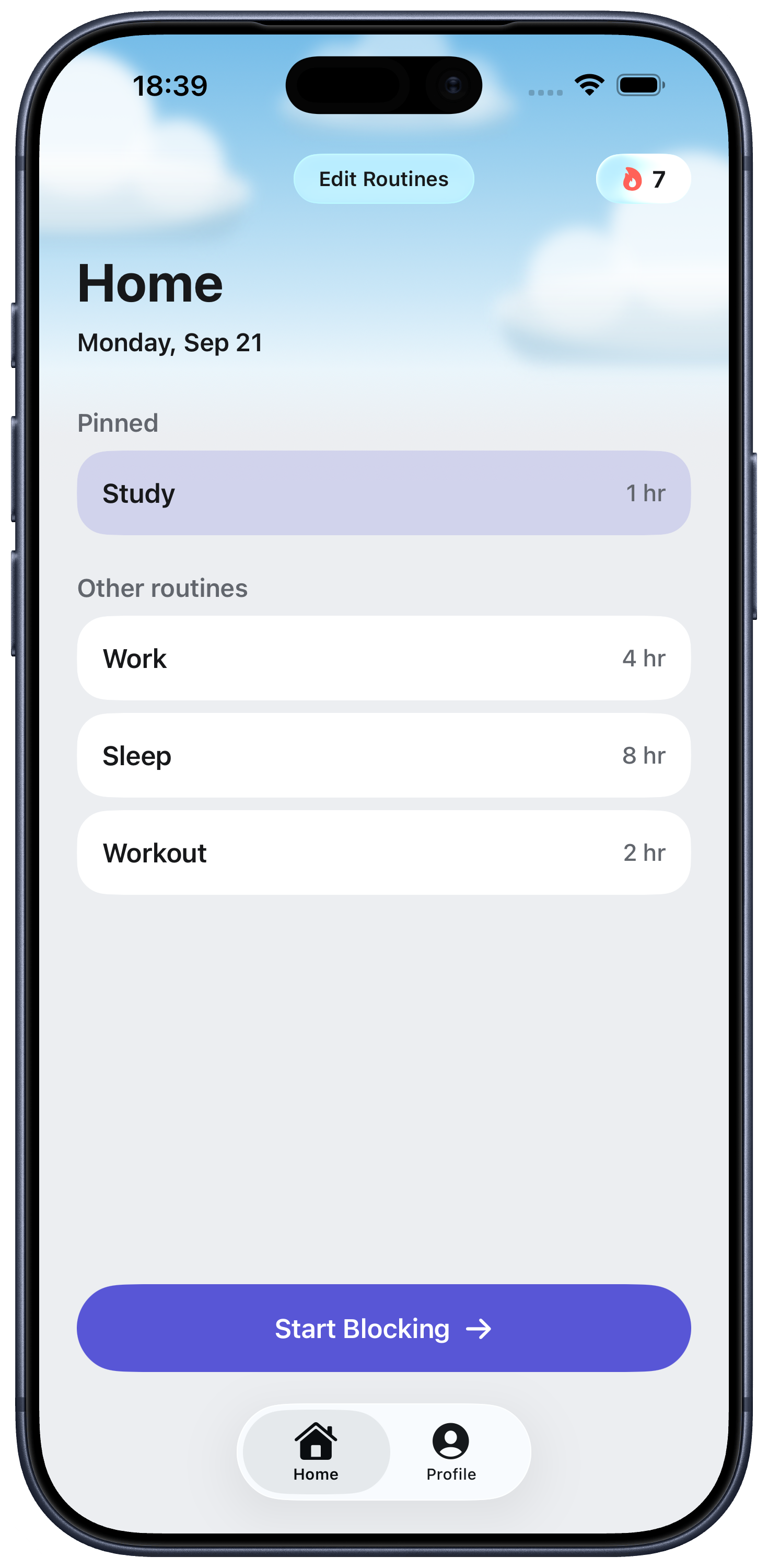
Block distractions instantly.
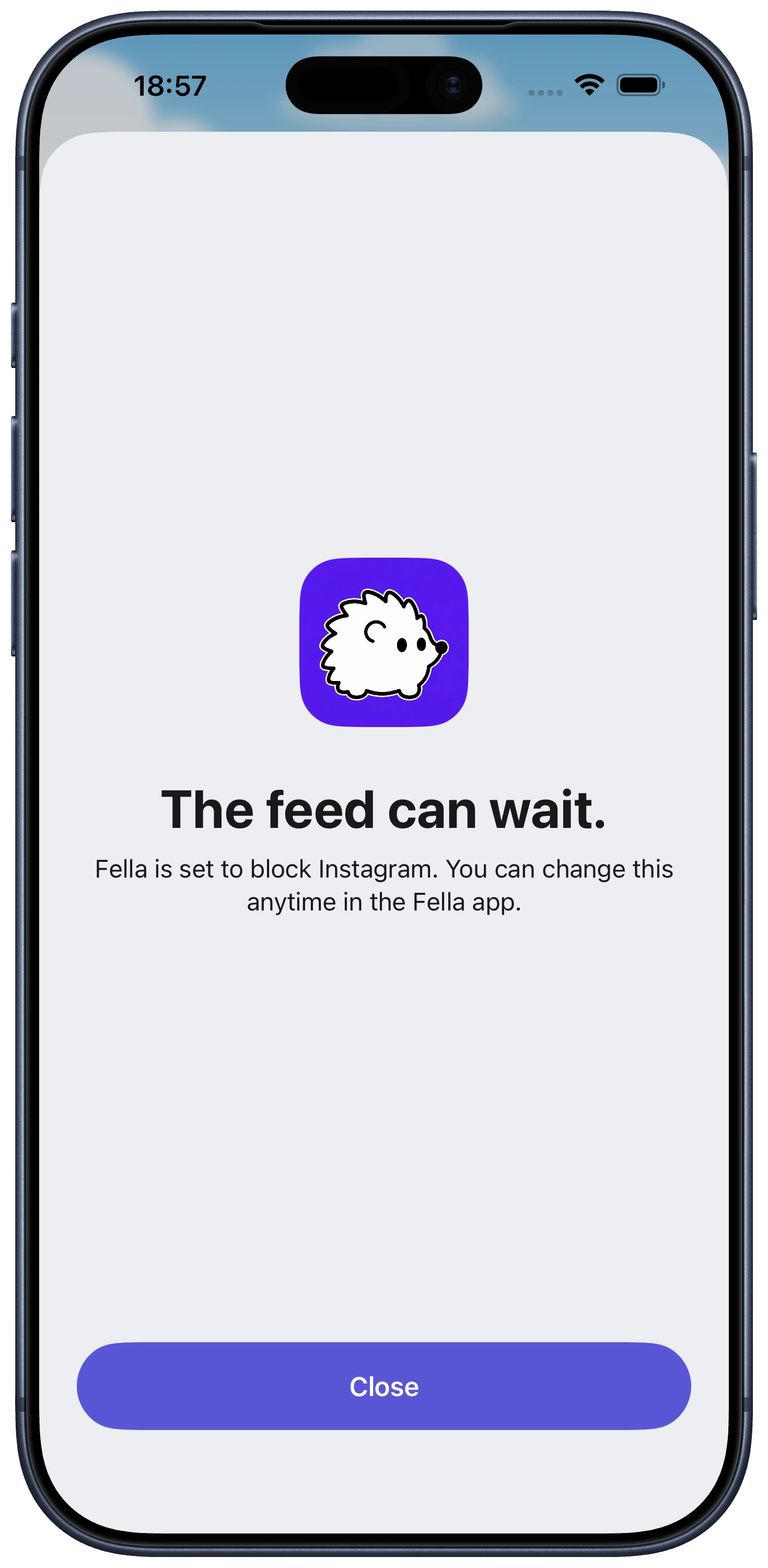
Block distractions your way.
Fella keeps the apps you choose out of reach
for as long as you decide.
Focus when it works for you.
Start a session instantly or build blocking
into your daily routine.
Built for real life.
When something genuinely needs your attention,
use one short emergency unlock.
 57% Fewer
App opens day to day after six weeks of added friction.
57% Fewer
App opens day to day after six weeks of added friction.
 35% More
Tasks completed per hour with distracting apps blocked.
35% More
Tasks completed per hour with distracting apps blocked.
 67% Less
Social media use day to day after app blocking was introduced.
67% Less
Social media use day to day after app blocking was introduced.
Questions? Answers
Fella blocks selected distracting apps during manual or routine-scheduled sessions, and gives you one emergency 5-minute unlock per session for real needs. When the unlock ends, the apps lock again automatically.
The monthly plan is $9.99 and the annual plan is $34.99, both billed immediately with no free trial. The annual plan works out to about 71% cheaper than paying monthly.
No. Fella is built specifically for iOS using Apple's Screen Time frameworks, and is not available on Android.
No. Fella blocks access to selected apps on your iPhone. Your accounts, messages, and data inside those apps are untouched, and remain reachable during your one 5-minute emergency unlock per session.
Screen Time's app limits include an Ignore Limit button that lets you undo the limit in one tap. Fella is narrower by design: selected apps stay blocked with no daily toggle, and the only access is one 5-minute emergency unlock per session.
Yes. You pick the apps that pull your attention away during setup. Apps you rely on for work or communication can stay off the blocked list entirely.
Yes. Cancel anytime directly from the App Store, no fees and no phone calls. You'll keep access until the end of your current billing period.