Fella vs Ochi

Fella vs Ochi:
always blocked or precisely timed?

Ochi creates app and website filters that can run all day, on a timer, or on a schedule across Apple devices. Fella removes the automation work and uses one permanent iPhone rule with one 5-minute unlock per session.

Ochi is an Apple-focused app and website blocker built around filters. A filter can run all day, repeat on selected days, stay active for a fixed period, or sync through the Apple ecosystem. Widgets, Control Center controls, Shortcuts, and iCloud-style syncing make it part of a wider productivity workflow.

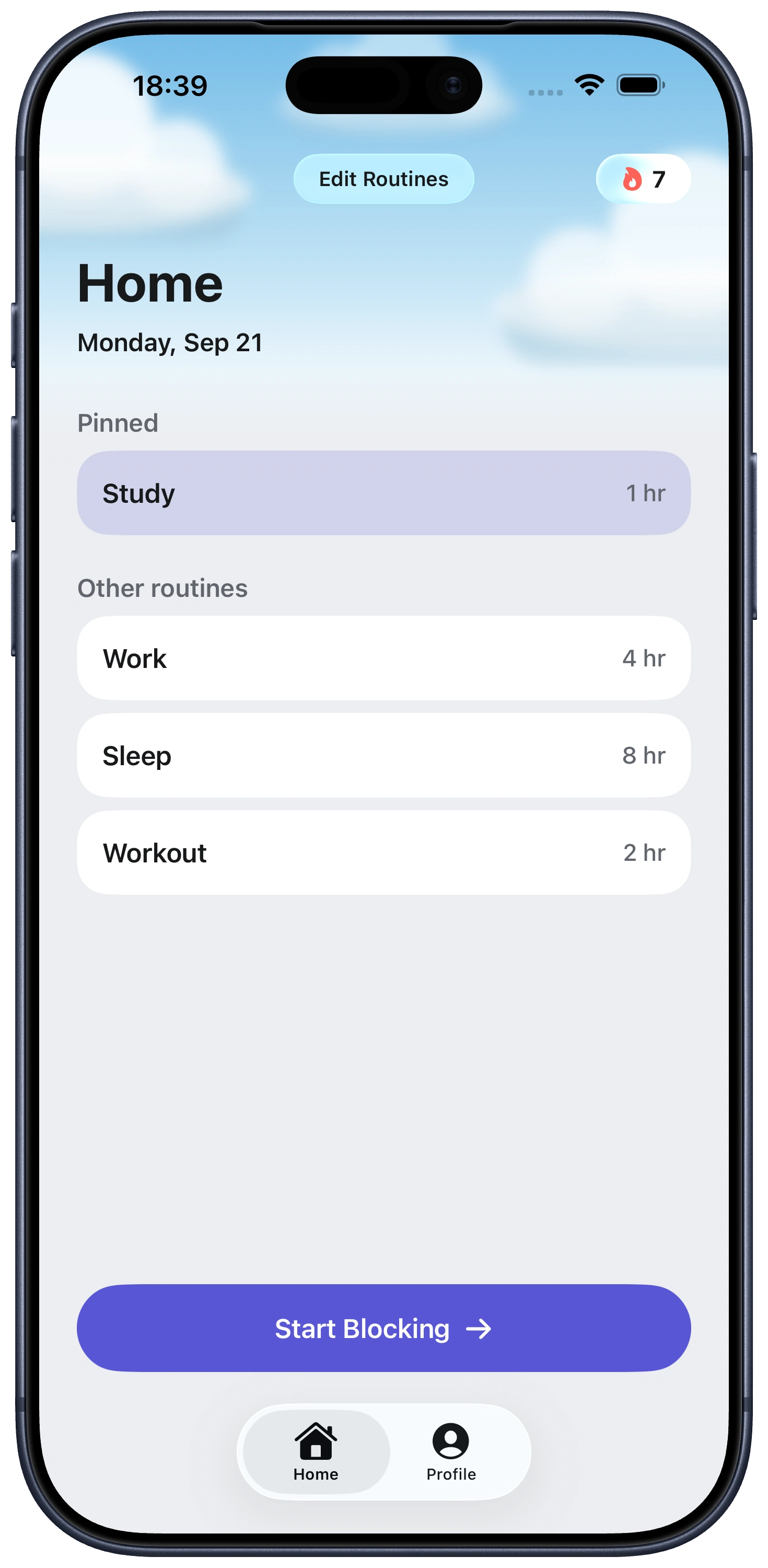
Fella is not a workflow component. It does not wait for a Shortcut, Focus mode, schedule, or widget action. Selected iPhone apps stay blocked by default, with one 5-minute emergency unlock per session.

The choice is automation versus permanence. Ochi is better when your access needs change by time, task, or device. Fella is better when the apps should simply remain unavailable regardless of context.

At a glanceFellaOchi
Core approachOne all-day ruleReusable app and website filters
Schedules and timersNoYes
Emergency accessone 5-minute emergency unlock per sessionTemporary filter pauses
WebsitesNoWebsites and website categories
Apple ecosystemiPhoneiPhone, iPad, and Mac with syncing and Shortcuts
Published pricing$9.99 monthly or $34.99 yearlyFree download; Pro monthly, yearly, and lifetime options

Ochi is built for custom blocking filters

Ochi lets one filter combine the apps, websites, and website categories connected to a situation. A work filter might cover social apps and news sites. A bedtime filter might cover video, forums, and shopping. Each can follow its own timing.

Filters can be all-day or temporary. Timed filters can be locked so they cannot be stopped early, while scheduled filters can repeat automatically. Urgent access can be handled through temporary pauses rather than rebuilding the whole rule.

This makes Ochi useful for people with several distinct routines. Workdays, weekends, travel, sleep, and study can each receive a different boundary instead of sharing one universal block.

Shortcuts, widgets, and Apple-device syncing

Ochi integrates deeply with Apple's automation surfaces. Its current listing highlights Shortcuts, Control Center and Lock Screen controls, widgets, and syncing between iPhone, iPad, and Mac.

Those integrations reduce the effort of starting the correct filter. A Shortcut can connect blocking to a wider routine, while syncing helps stop the distraction from moving from phone to Mac as soon as one screen becomes unavailable.

Fella deliberately avoids that ecosystem complexity. It currently blocks selected apps on iPhone. There is no multi-device filter state to synchronize and no automation to troubleshoot, but there is also no desktop or website coverage.

Ochi pauses versus Fella's emergency unlock

Ochi treats urgent access as part of the filter configuration. Filters can be temporarily paused, and the exact rules depend on the filter and plan. This supports several legitimate access patterns across a day.

Fella fixes access at one five-minute period. The limit is easy to understand and difficult to reinterpret. Once the unlock ends, the selected apps lock again automatically, and there is no second window that day.

The better model depends on what “urgent” means in your life. If you need unpredictable access to several apps for work, Ochi's pause system is more practical. If every pause becomes a scroll, Fella's scarcity may be more effective.

Who should choose Fella or Ochi?

Choose Ochi if you want scheduled filters, website blocking, Apple-device syncing, widgets, or Shortcuts automation. It is a better productivity-system component and can be adapted to more situations.

Choose Fella if your desired rule is the same all day. You do not need a different configuration at the office, at home, or in bed; the selected apps should remain closed everywhere.

Pricing also reflects the scope. Ochi is free to download and currently lists monthly, annual, and lifetime Pro purchases. Fella has monthly and annual subscriptions after a short trial. Confirm the current checkout because App Store offers can vary.

Checking status without opening the app

Ochi's Start Filter widget shows the remaining time on an active filter directly on the Lock Screen or in StandBy. That means checking how much longer a block will last doesn't require opening any app at all—useful for a quick glance without risking the exact impulsive tap the filter exists to prevent.

Its Shortcuts integration can also reach across devices. A shortcut triggered on one Apple device can turn on a filter, or a Focus, on another synced device, so starting a work session on iPhone can lock down the Mac at the same time.

Fella has no equivalent status widget, because there's nothing to check. The selected apps are blocked by default every day; the only thing to glance at is whether today's five-minute window has already been used.

Fella vs Ochi FAQ

Ochi creates configurable app and website filters with timers, schedules, pauses, widgets, Shortcuts, and Apple-device syncing. Fella uses all-day iPhone app blocking with one five-minute unlock per session.

Yes. Ochi supports websites and categories of websites in addition to apps.

Ochi lists support for iPhone, iPad, and Mac, including filter syncing across Apple devices.

No. Fella's core approach is an always-active selected-app rule rather than scheduled automation.

The current US App Store listing includes monthly, yearly, and lifetime Ochi Pro purchase options. Exact prices and offers can change.

Yes. Ochi's Start Filter widget, optimized for StandBy and the Lock Screen, shows the remaining time on an active filter.

Yes. A shortcut can turn on filters, or a Focus, on other synced Apple devices, not just the one running the shortcut.

Both. Ochi can block Mac apps directly in addition to websites and website categories, syncing across iPhone, iPad, and Mac.

See Fella in action.

Own Your Attention
Starting Right Now