Fella vs StayFree

Fella vs StayFree:
block less or measure more?

StayFree combines app and website blocking with detailed usage history, reminders, schedules, and cross-device analysis. Fella skips the reports and keeps selected iPhone apps blocked with one 5-minute unlock per session.

StayFree is both a blocker and a screen-time analytics product. It helps users inspect app and website usage, receive overuse reminders, create scheduled Focus Mode rules, and compare patterns across supported devices and browser extensions.

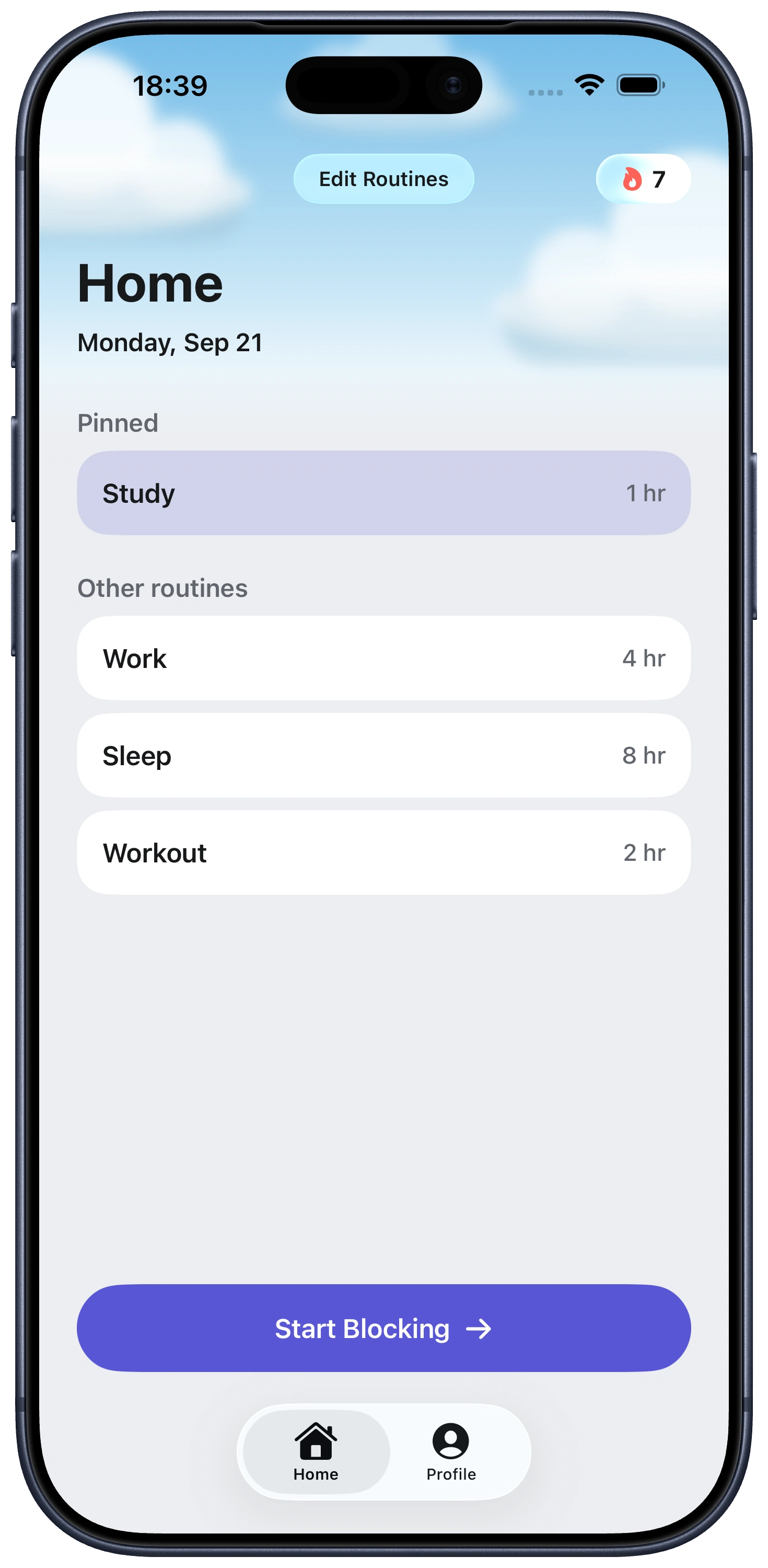
Fella does not try to explain your screen time. It assumes you already know which apps repeatedly pull you in. Those selected iPhone apps remain blocked all day, with one 5-minute emergency unlock per session that ends automatically.

The decision is visibility versus simplicity. StayFree is better when understanding patterns will help you change them. Fella is better when the pattern is already obvious and another dashboard would only give you more information without changing access.

At a glanceFellaStayFree
Core approachAll-day selected-app blockingTracking, limits, reminders, and temporary blocks
Emergency accessOne 5-minute unlock per blocking sessionDetermined by the limits and schedules you configure
Usage reportsNo analytics-led experienceDetailed app, website, and cross-platform history
Website blockingNoYes, including browser extensions
PlatformsiPhoneiPhone, iPad, browser extensions, and other supported platforms
Price3-day trial; $9.99 monthly or $34.99 yearlyFree

StayFree starts with understanding where the time goes

StayFree's main advantage is visibility. Its usage history shows how much time goes into apps and websites, while detailed patterns help separate a vague feeling of “too much phone” from the specific services and times responsible for it.

Overuse reminders can intervene before a session becomes much longer. Focus Mode adds scheduled blocks, and browser extensions extend the same idea to sites that remain available after a mobile app is limited.

This is useful when distraction is distributed. If no single app looks catastrophic but twenty small checks create a five-hour total, analytics can reveal the aggregate pattern that a simple blocklist might miss.

Fella starts after the diagnosis

Fella is for the point where measurement no longer adds much. You already know Instagram, TikTok, Reddit, YouTube, or another selected app is the recurring problem. The next useful action is not another weekly graph; it is removing access.

The rule stays deliberately narrow. Selected apps are unavailable throughout the day. One five-minute window covers an essential check, and automatic relocking stops that exception from becoming the new default.

Fella will not help you compare this week with last week. Its success state is simpler: the app did not open. Users who need evidence, trends, or cross-device accountability should prefer StayFree.

Cross-device tracking versus iPhone-only enforcement

StayFree is the stronger choice when distraction moves between devices. Its product positioning emphasizes cross-platform statistics and browser extensions, letting users connect phone behavior with website use on a computer.

Fella currently focuses on selected iPhone apps. It does not block a desktop browser, show a unified multi-device total, or stop the same service from being opened elsewhere.

That limitation matters. Blocking YouTube on an iPhone may simply move the habit to a laptop. If your problem follows accounts and websites rather than one device, StayFree offers the broader view and control surface.

Who should choose Fella or StayFree?

Choose StayFree if you want a free screen-time tracker with blocking tools. It fits users who want reports, usage reminders, scheduled focus, website controls, and a fuller picture across devices.

Choose Fella if detailed tracking has not changed the behavior. It fits the person who wants a smaller interface, fewer settings, and a strict everyday default for a known set of iPhone apps.

Do not confuse more data with stronger blocking. StayFree can be configured to block, while Fella can provide no analytics at all. Decide whether your next step is learning about the habit or making the habit harder to perform.

Fella vs StayFree FAQ

StayFree combines screen-time tracking, reports, reminders, app and website limits, and scheduled focus tools. Fella focuses on all-day selected-app blocking with one five-minute unlock per session.

The current US App Store listing describes StayFree as free.

Yes. StayFree supports website controls and promotes browser extensions as part of its cross-platform approach.

No. Fella is not built around usage analytics or progress reports. It focuses on preventing selected apps from opening.

StayFree is the better fit for cross-device statistics and browser coverage. Fella currently focuses on selected apps on iPhone.

StayFree can be configured to block, not just track, but its core identity is analytics-first. Fella has no tracking layer at all; blocking is the entire product from the start.

StayFree, since its usage history and reminders are built to surface the pattern first. Fella assumes you've already identified the problem apps and just want them blocked.

See Fella in action.

Own Your Attention
Starting Right Now