There is no Gambling category in Screen Time, so a category limit will not catch them. Sportsbooks are filed under Sports, Casino and Other depending on the operator, which means App Limits has to be pointed at each app by name. Add every sportsbook, casino and daily fantasy app you actually have, not just the one you opened most recently. Steps are on setting App Limits.
To ban them outright rather than limit them, use the age restriction. Go to Settings > Screen Time > Content & Privacy Restrictions > Content Restrictions > Apps and choose a rating below 17+. Real-money gambling apps carry the highest age rating, so this hides the installed ones and blocks new ones from the App Store in a single setting, without you having to name each operator. It is the closest thing iOS has to a blanket ban.
Set a Screen Time passcode you do not control, if you can. Any of the above can be undone by whoever holds the passcode. Someone else holding it is what turns a setting into a boundary, and it is worth asking.
The gap in all of it is the Ignore Limit button. An App Limit ends with one tap, and it appears at the exact moment you want the app. That is why people find the limit still switched on and the bet still placed. We cover the pattern on ignoring Screen Time limits.
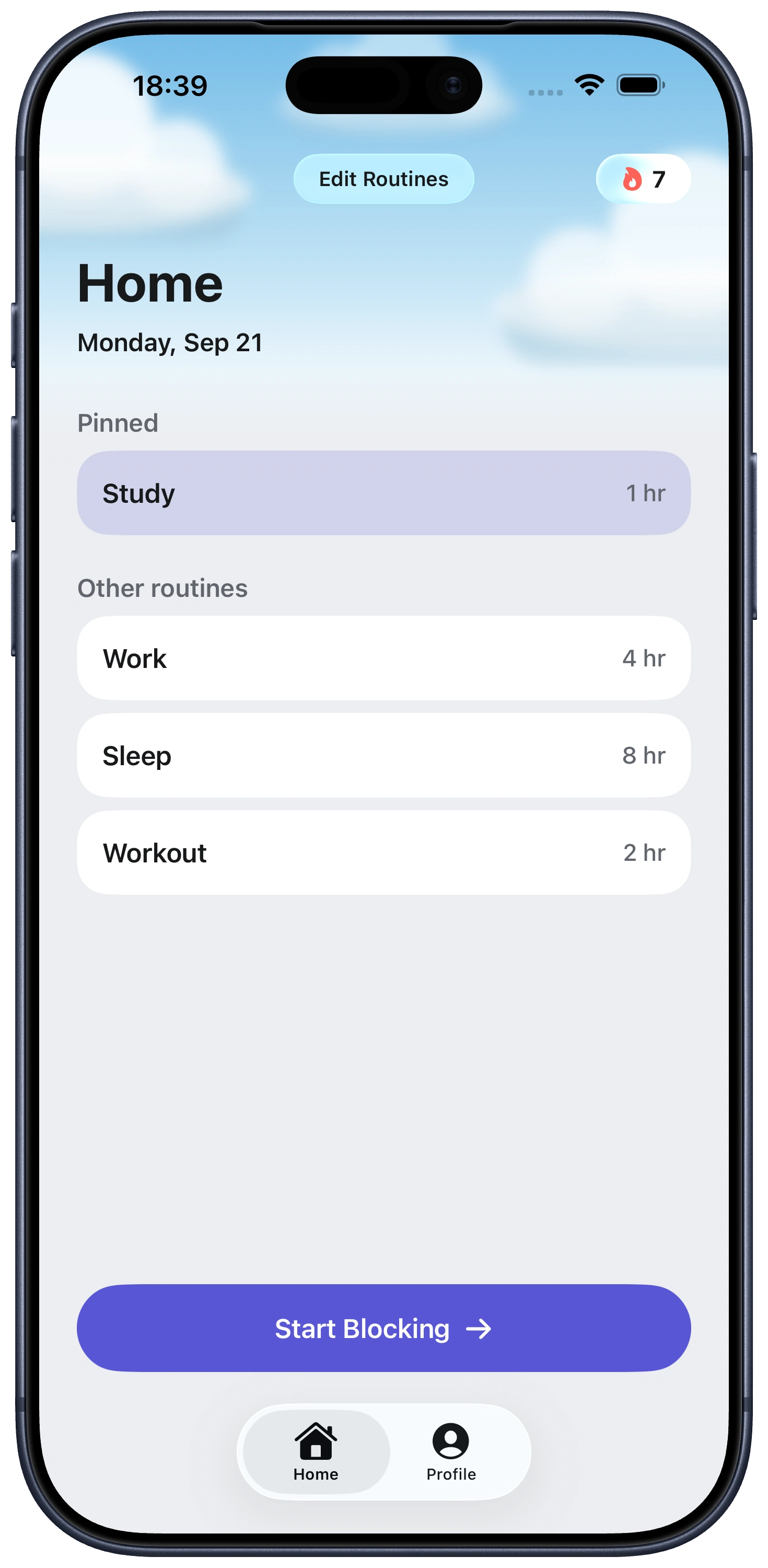
Fella removes that tap. Selected apps stay blocked for the whole session rather than until you dismiss a screen, with one 5-minute emergency unlock per session. It runs on Apple's own Screen Time frameworks, so nothing here is a workaround, and it does not touch your accounts or balances. For evening and weekend patterns a routine can start the session automatically: see app blocking with schedules.