No Bypass

Can an iPhone app blocker
be impossible to bypass?

No. A third-party app cannot honestly promise to remove every iOS-level exit. The useful question is whether it makes the everyday impulse to override the block less convenient.

Can an iPhone app blocker actually be impossible to bypass?

No. iOS does not let a third-party blocker guarantee that every possible bypass route is impossible. A blocker can reduce common escape routes and make an override more deliberate, but it cannot honestly promise to defeat every settings change, deletion, reset, browser route, or second device.

That does not make every blocker equally easy to override day to day. The practical difference is whether the block starts by default and whether an exception is a deliberate, limited action or a convenient button.

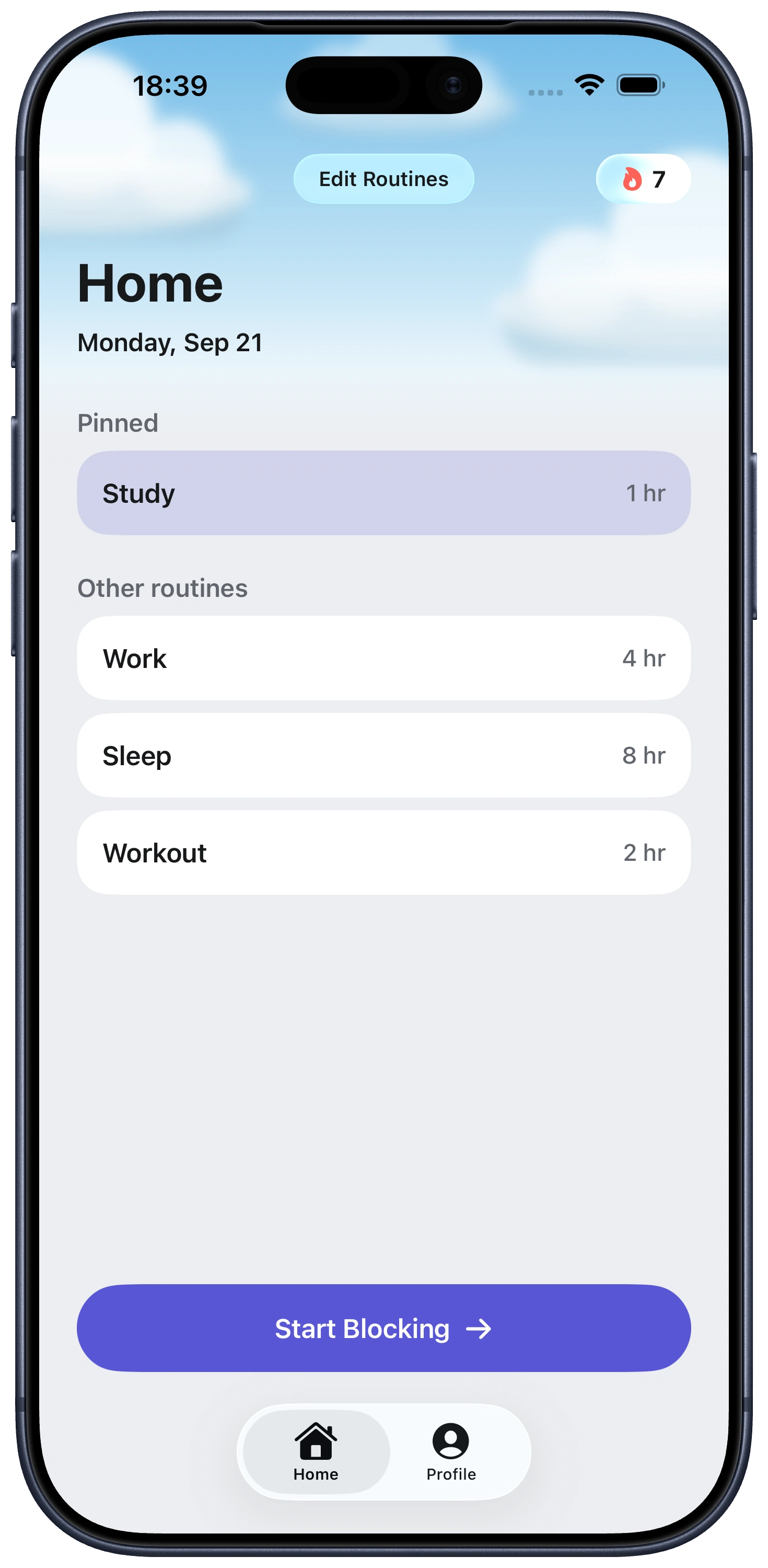
Fella is designed for that everyday decision. Selected apps stay blocked by default. Each blocking session has one 5-minute emergency unlock, then the selected apps relock automatically.

What an iPhone app blocker cannot promise

Settings and permission changes. A blocker that needs a system permission cannot enforce a block if that permission is changed or removed.

Removing or resetting the device. A third-party app cannot guarantee that it will survive deletion or a device reset.

Other routes to the same content. An app-only rule does not automatically cover browsers, computers, or other devices. Check the product’s actual scope before relying on it.

Common bypass methods and what iOS allows

Common bypass method Can iOS realistically make it impossible? What stronger approaches can do Where Fella fits
Ignore or override a time limit No, not for every self-managed setup. Use a passcode held by someone else, or choose a blocker with a fixed, limited exception instead of an open-ended override. Fella has one 5-minute emergency unlock per blocking session; selected apps relock when it ends.
Pause or disable a blocking session No third-party app can guarantee that every route is closed. Make exceptions specific, short, and automatic rather than repeatable or open-ended. Fella’s planned exception is a single fixed emergency unlock, not a pause.
Change permissions or Screen Time settings No. A third-party blocker depends on iOS permissions to operate. Explain required permissions clearly; use a passcode or accountability arrangement when that is necessary. Fella does not claim to prevent Settings or permission changes.
Delete the blocker No A passcode held by another person can add external accountability around device restrictions. Fella does not claim to prevent deletion.
Use a passcode or accountability person It can make an override much harder, but not make every possible route impossible. Keep the passcode or approval decision with someone other than the person trying to override the rule. Fella is not a passcode or accountability-partner system.
Restart or reset the device No. A third-party app cannot guarantee it survives every reset or device-level change. Test noncritical rules after an iOS update and use broader device management only if that scope is required. Fella does not claim to prevent restarts or device resets.
Use a browser, another app, or another device No, unless a separate product or setup explicitly covers that route. Match the tool to the route you need covered; app-only blocking is not browser, computer, or multi-device control. Fella is an iPhone app blocker for selected apps. Unselected apps remain available.

How stronger blocking reduces bypassing

Stronger friction removes the easiest everyday exits. It can keep a chosen app unavailable by default and make the exception specific, short, and automatic rather than another decision to make in the moment.

It does not make an iPhone owner powerless. If you need an external accountability arrangement, browser coverage, or controls beyond one iPhone, choose a setup built specifically for that need.

Where Fella fits into this

Fella does not claim to be unbypassable. It is a focused iPhone app blocker, not a device-management or accountability product.

Its boundary is simple. Selected apps stay blocked by default. The only planned exception is one 5-minute emergency unlock per blocking session, followed by automatic relocking. See how an emergency-unlock app blocker handles that limited exception.

For the broader category explanation, see the iPhone app blocker guide. For the question of everyday friction, see strict iPhone app blockers. If Apple’s broad controls are not matching the job, compare a more focused Screen Time alternative.

App blocker bypass FAQ

Yes, in most cases. Almost every iPhone app blocker runs on top of Apple's Screen Time and Family Controls frameworks, and iOS itself always allows a user to open Settings, disable permissions, delete the app, or reset the device. No third-party app can override that.

It can. If a blocker relies on Screen Time access, changing that access can affect whether it can enforce blocks. The exact settings and safeguards vary by iOS version and setup.

Yes, deleting the blocker app itself removes its ability to enforce anything, since iOS lets you uninstall any third-party app. The only way to prevent this is a Screen Time passcode that you don't personally know, such as one held by a parent or an accountability partner.

A restart is not a reliable way to judge whether a blocker can be bypassed. Check the product's current support guidance and test noncritical rules after an iOS update.

No. Third-party apps operate within iOS, so they cannot honestly promise to remove every settings, deletion, reset, browser, or second-device route.

Not in absolute software terms. The closest options are a Screen Time passcode held by someone else, an accountability-partner approval system, or a hardware-based blocker like an NFC tag or card that has to be physically present to unlock.

Fella runs on Apple's Screen Time frameworks like other iOS blockers, so the same OS-level exits exist in theory. What Fella removes is the convenient, in-app override: there is no pause, snooze, or "ignore for today" button inside the experience itself, only one 5-minute emergency unlock per session.

Network status alone should not be treated as a reliable bypass test. Check the blocker's current support guidance and test any rule on a noncritical app.

Do not assume offloading will either preserve or defeat a specific block. App and iOS behavior can change; test a noncritical setup or consult the blocker's current support guidance.

See Fella in action.

Own Your Attention
Starting Right Now